Solo Dual-Cam, two-camera Nearby, Remix, 720p exports, and recordings up to 10 minutes—no trial needed.
Two views. One creator.
Show the moment and your take on it.
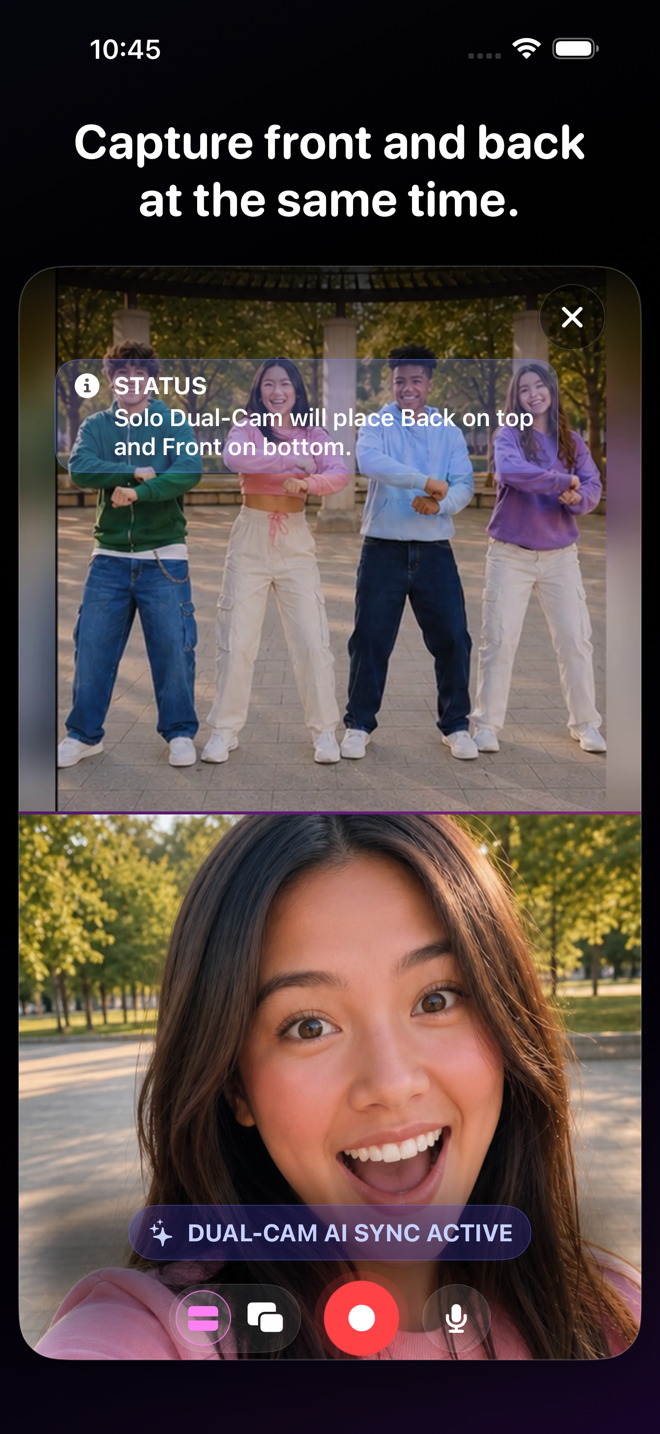
Solo Dual-Cam records you and the scene in front of you in one take. Show what is happening, keep your reaction in the story, and make demos, tutorials, reviews, coaching, affiliate finds, and commentary without chasing a second camera.
Front + back togetherStackedPicture-in-PictureSwap the lead view
Solo Dual-Cam
Your face and the thing you are talking about. Finally, in the same take.
Talk to your audience while the other camera stays on what you are showing. Two useful views, one take, fewer do-overs, and no awkwardly pretending your reaction happened later.

VidFuse for iPhone
More angles. Less editing. Way more fun.
Start free, pull in your friends, and turn one moment into something worth posting. When you want more, take the paid creator tools for a seven-day spin.
Eligible new Enthusiast or Pro subscriptions can try paid creator tools free for 7 days.
Made for real ideas
What could you make with it?
Product demos✦Tutorials✦Walkthroughs✦Travel moments✦Food reviews✦Fitness instruction✦Sports analysis✦Reaction videos✦Behind the scenes✦Before and after✦Activities with live commentary✦
From setup to share
Shoot it your way
 01
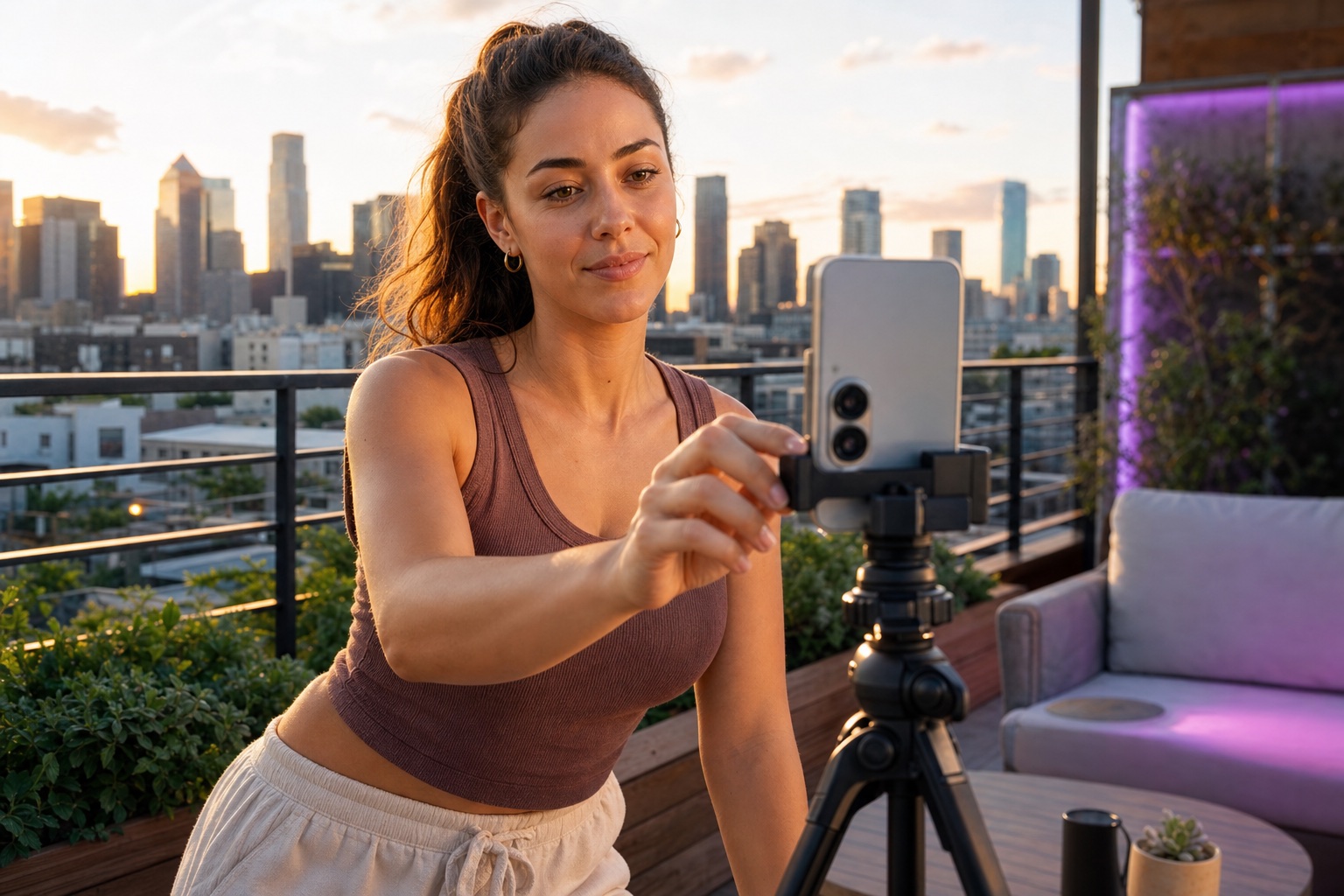
01 Choose the treatment
Put the back camera above the front camera, flip the order, or feature either camera in Picture-in-Picture.
 02
02 Record both sides
Capture your face and the scene together in one synchronized recording.
 03
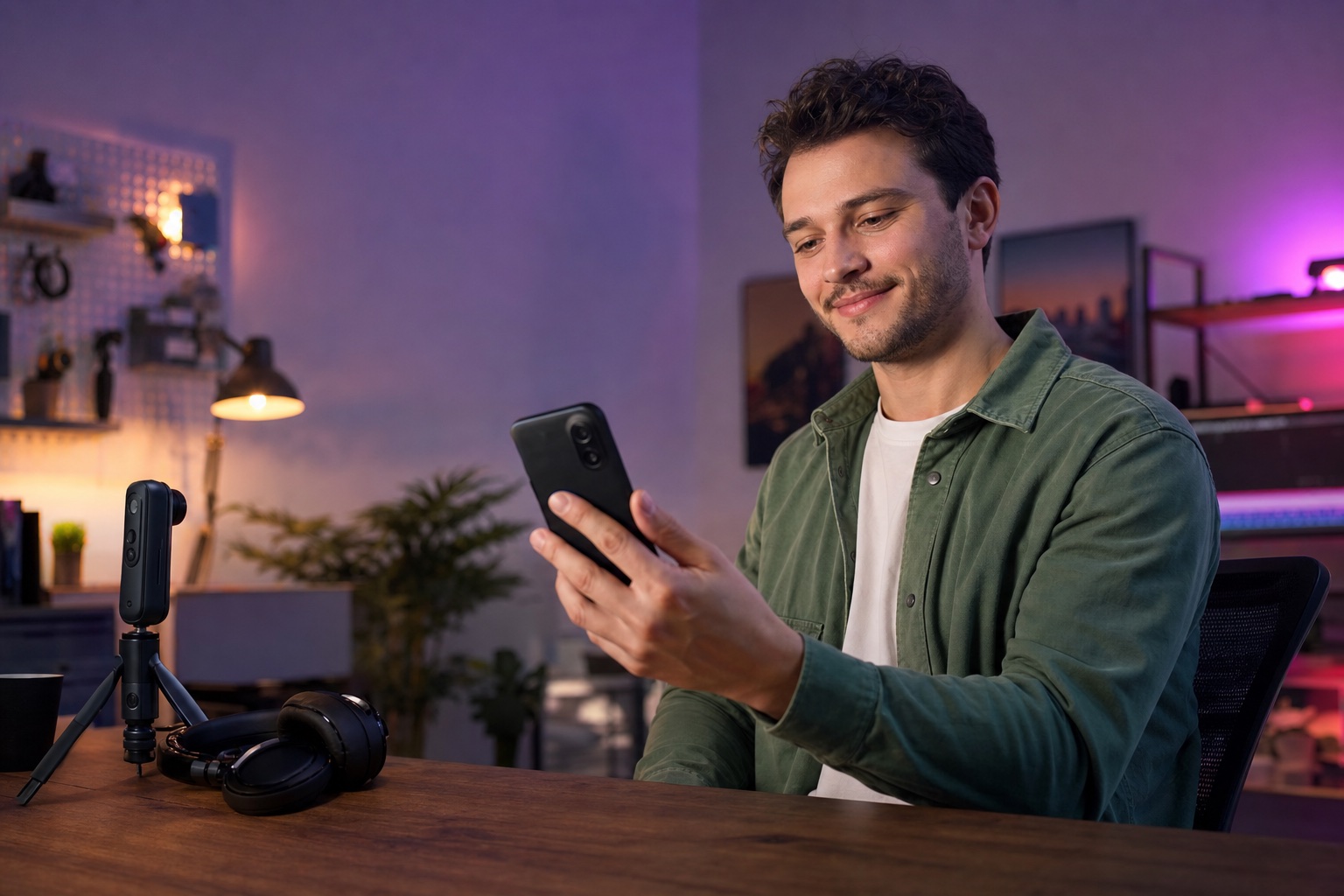
03 Finish the vibe
Add a headline, visual style, and—on Pro—custom border color before preview and export.
Show it and react to it at the same time.
The action stays on screen. So do you.
VIDFUSE
One moment. Way more ways to tell it.
Catch the action, your reaction, and the angle everybody else missed—then pull it together and drop it wherever you post.