Solo Dual-Cam, two-camera Nearby, Remix, 720p exports, and recordings up to 10 minutes—no trial needed.
Your people. Your moment. More than one angle.
One camera gets the clip. VidFuse gets the whole moment.
Shoot your reaction and the action. Pull friends into the same take. Remix a moment. Let AI help with the first cut. VidFuse gives you more to post without making the edit feel like homework.
Public App Store launch is in preparation.
4 ANGLES / 1 STORY
Pick your setup
Solo, with friends, or somewhere in between.
Go solo with both iPhone cameras, bring your people into a multi-angle shoot, add your take to a clip, or let AI kick-start the edit.
01↗
You + what you see
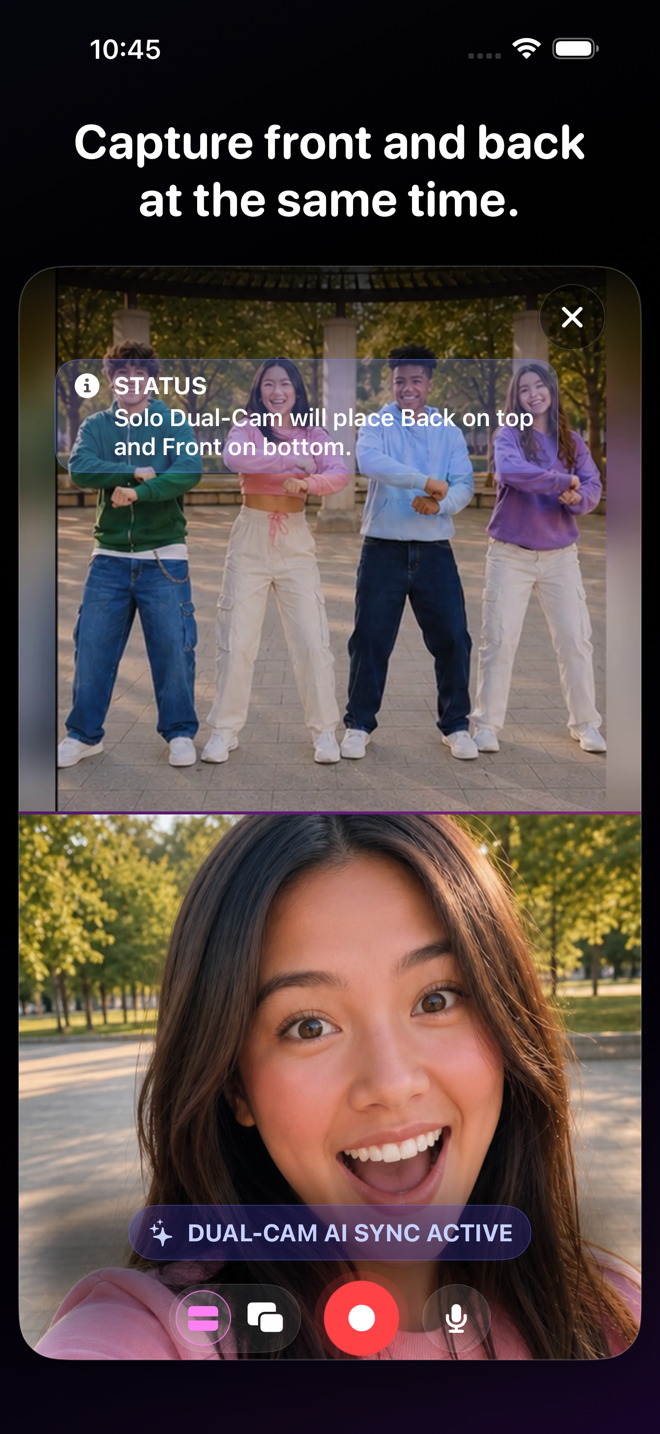
Solo Dual-Cam
Show the thing and your reaction in the same take. Great for demos, tutorials, reviews, coaching, and those “you have to see this” moments.
Explore the mode 02↗
Bring everybody’s angle
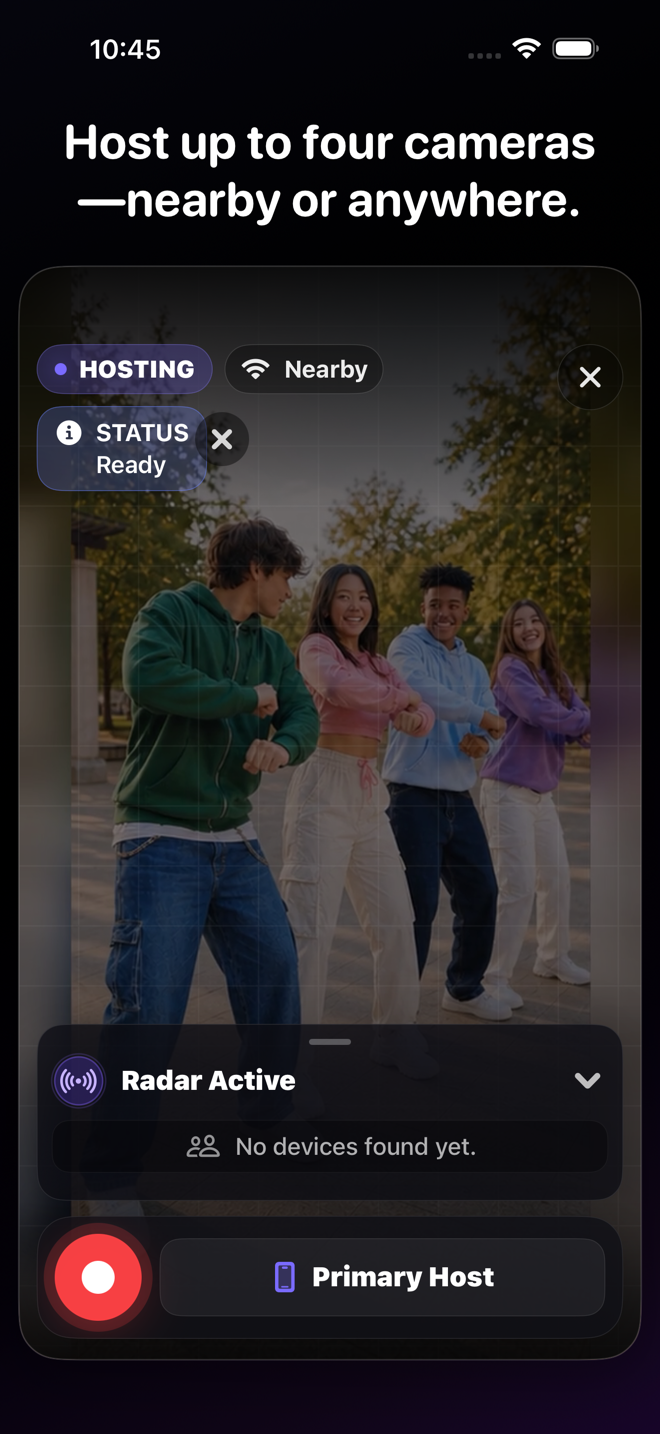
Squad VidFuses
Turn a few iPhones into one synced shoot for collabs, interviews, parties, games, performances, and whatever your group gets into.
Explore the mode 03↗
Watch it. Add your take.
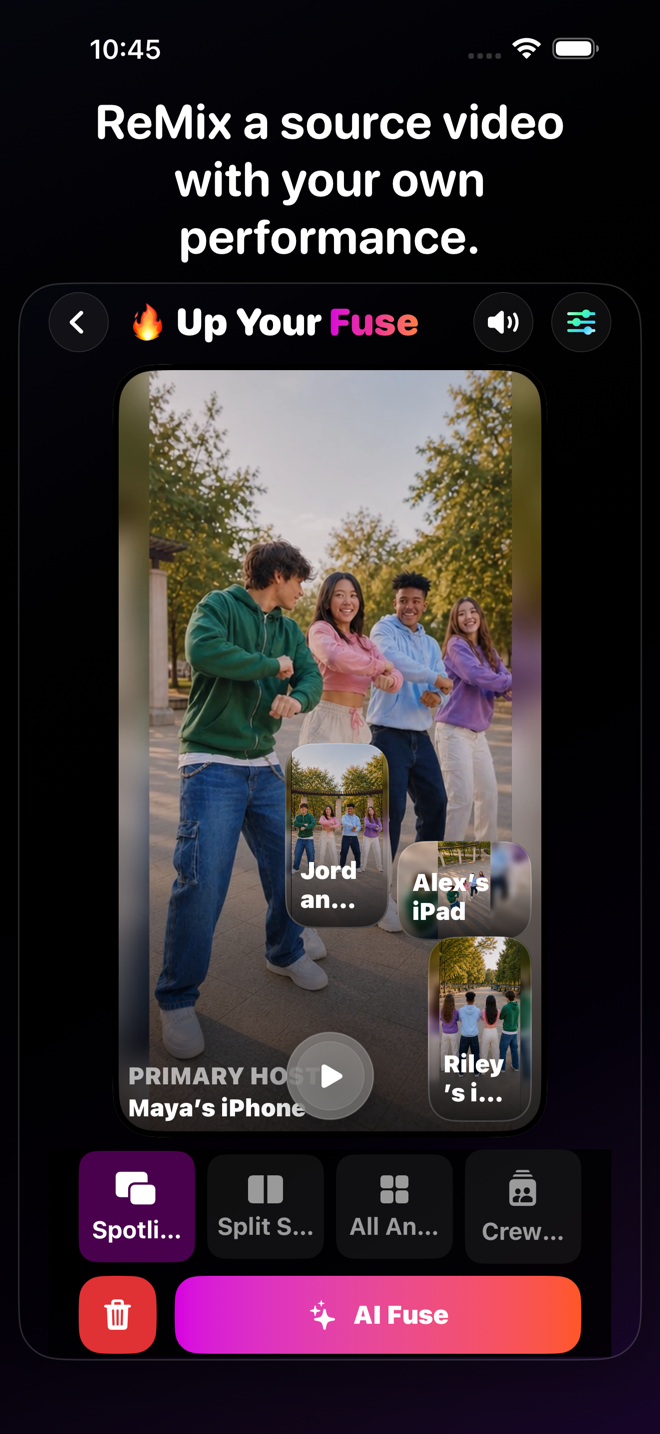
VidFuse Remix
React, break it down, explain it, perform with it, or lip-sync it—using video or audio you have permission to use.
Explore the mode 04↗
Let AI start the cut
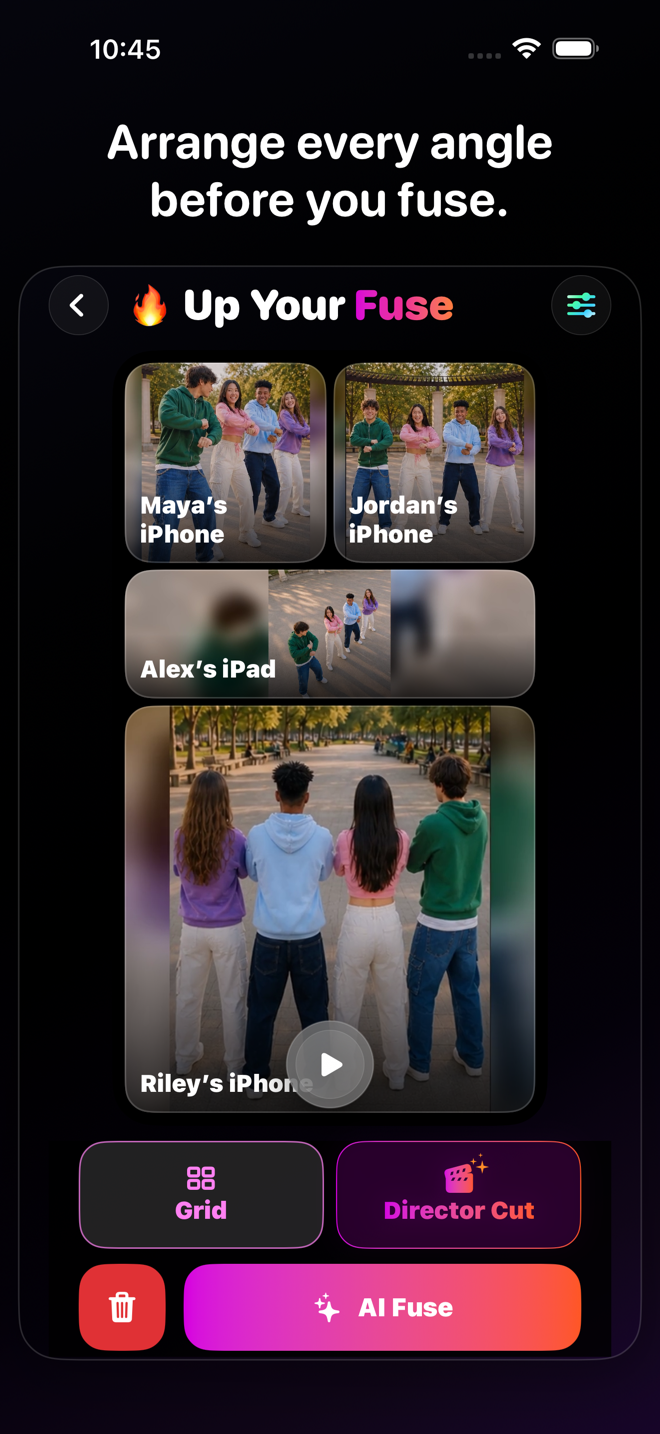
AI Director’s Cut
Get a first pass across your camera angles, then tap through and change anything that is not quite your vibe.
Explore the mode 
VidFuse for iPhone
More angles. Less editing. Way more fun.
Start free, pull in your friends, and turn one moment into something worth posting. When you want more, take the paid creator tools for a seven-day spin.
Eligible new Enthusiast or Pro subscriptions can try paid creator tools free for 7 days.
How it works
Shoot the moment. Find the story after.
01
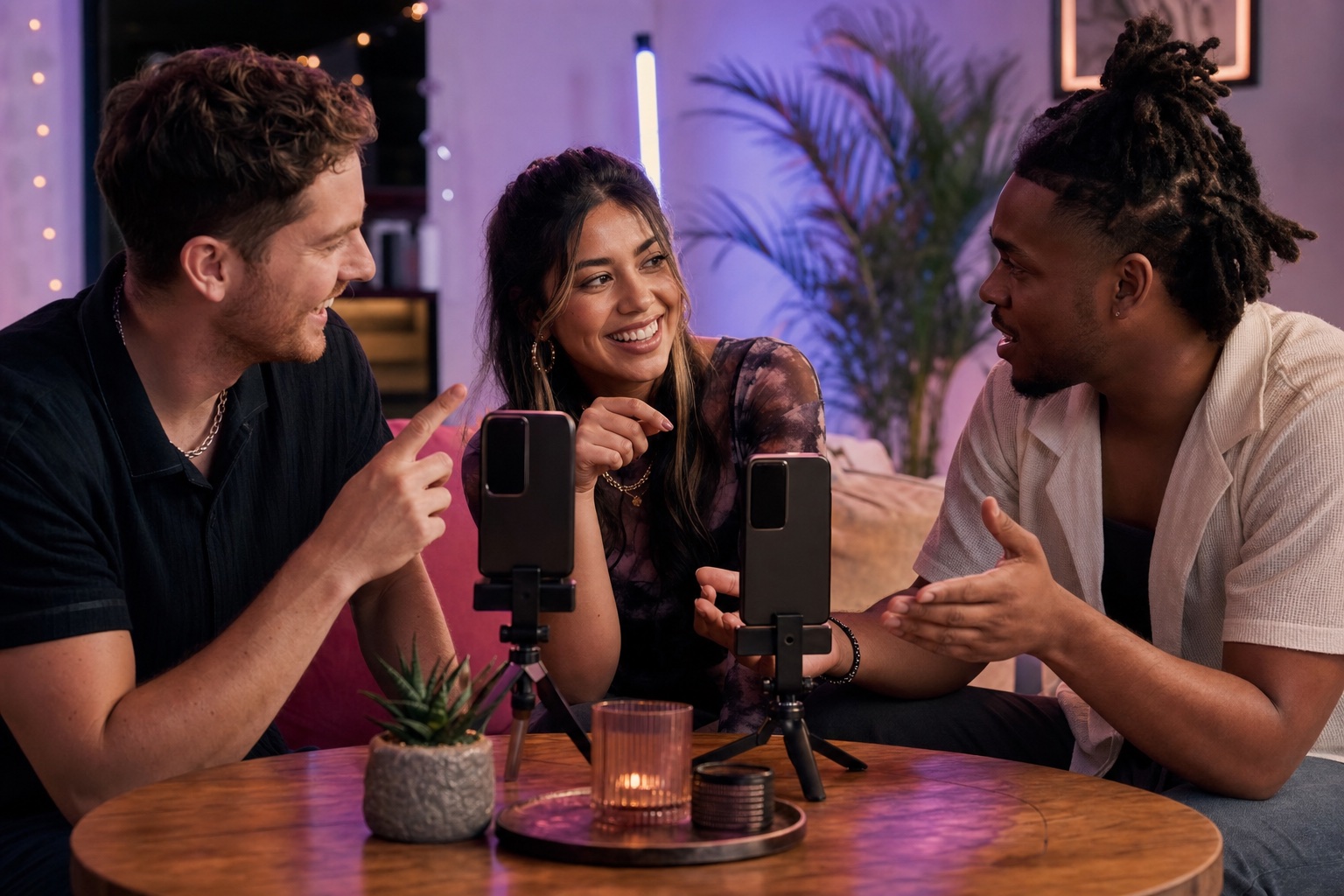
Choose the kind of shoot
Go solo, bring in a Nearby or Anywhere Squad, or start with video or audio for a Remix.
02
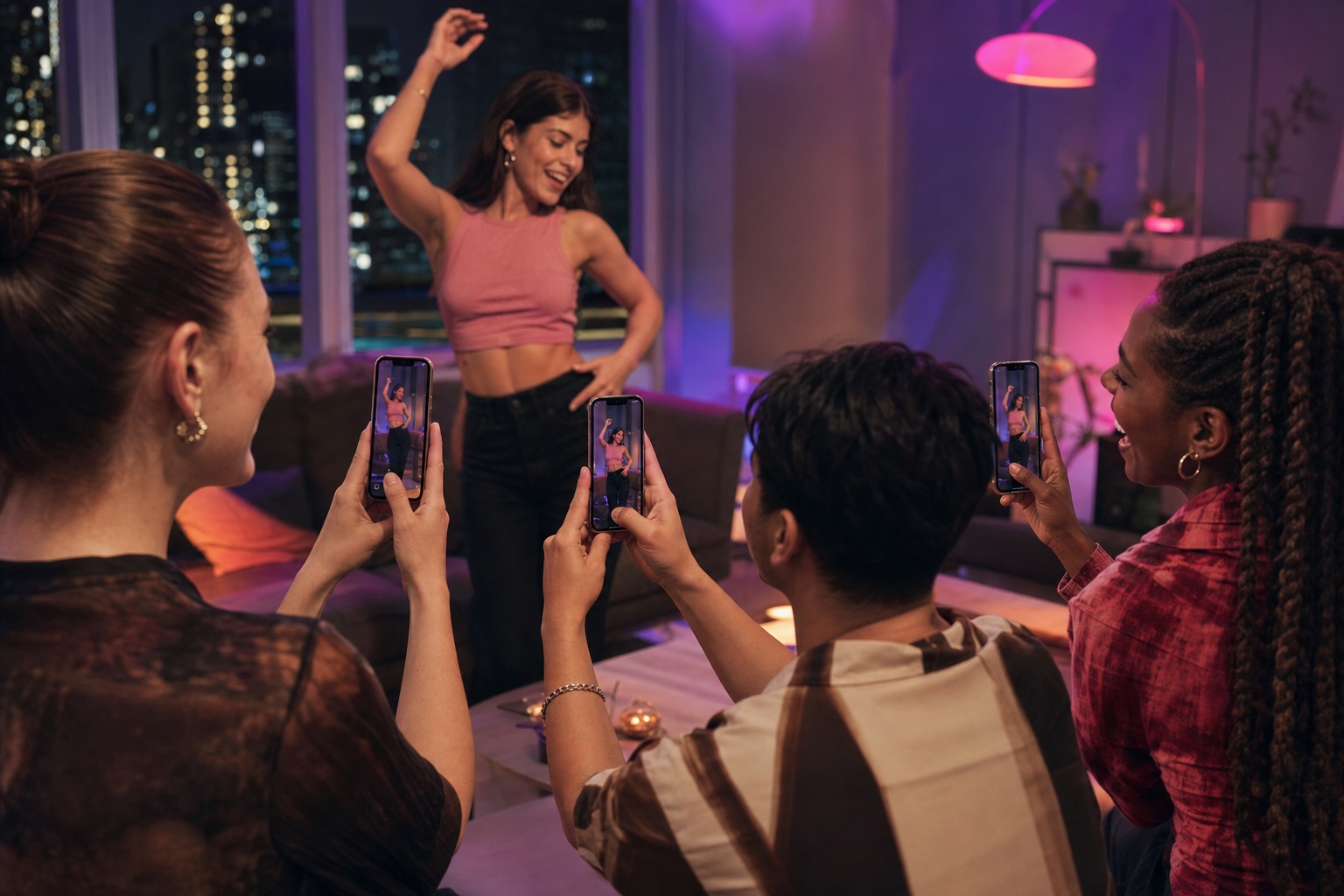
Press record together
VidFuse keeps the available cameras on the same take, so the reactions and angles line up.
03
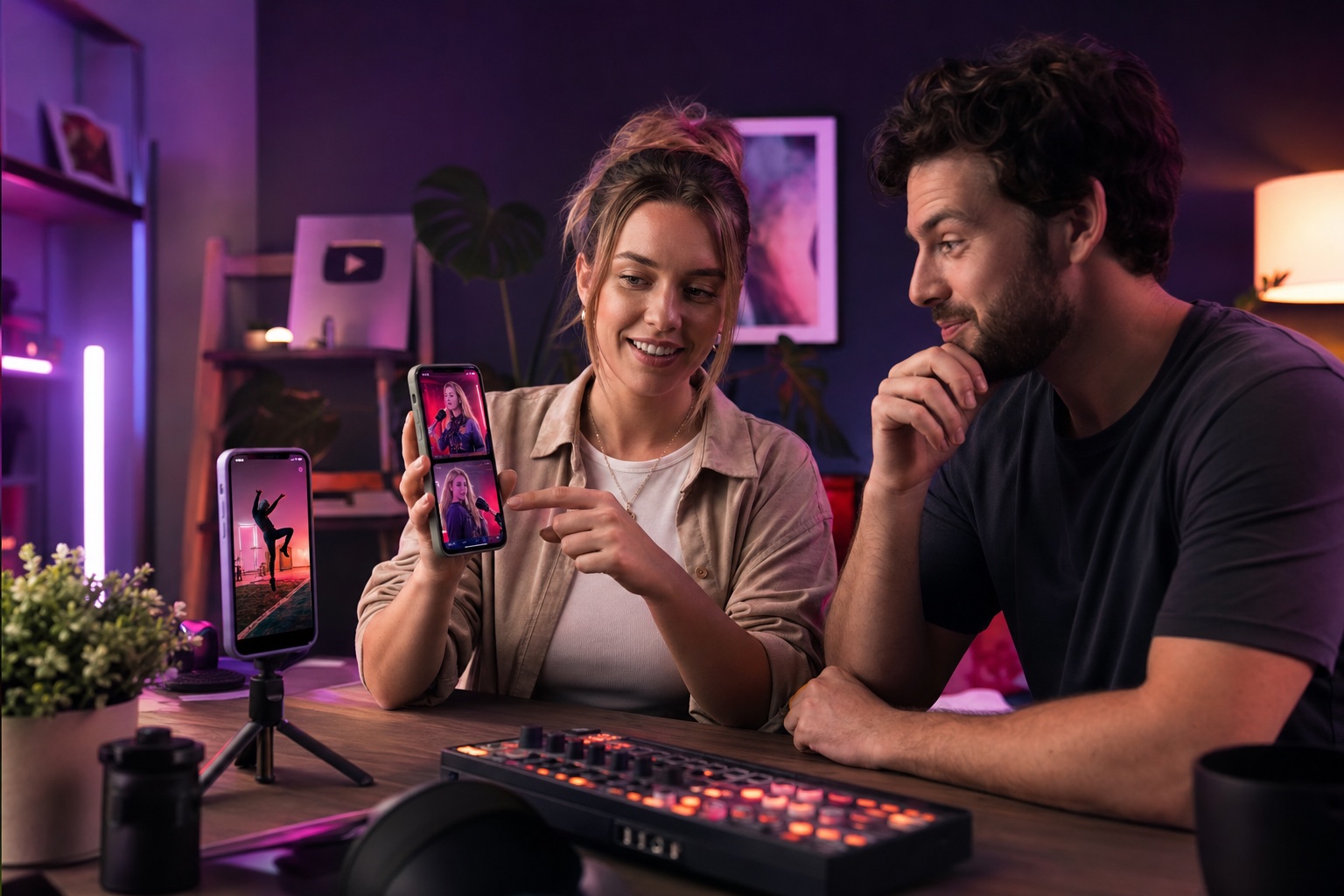
Make the cut yours
Pick the views, choose a layout, add Text & Vibes, then save it or send it wherever you post.
After the take
The take is only the beginning.
Text & Vibes
Add a headline, put it where it looks right, and give the whole video a visual mood.
Layouts that fit
Stack views, use Picture-in-Picture, go side by side, or let multi-camera grids fit the crew.
Drafts & Vault
Return to unfinished work and manage completed or recently deleted VidFuses on your device.
Ready to share
Save it to Photos or send the finished video through the apps you already use.
Made for creators. Better with friends.
Shoot once. Post way more.
Building your channel? Catching chaos with friends? Either way, VidFuse gets more angles into one take—so you can spend less time lining up clips and more time making something people actually want to watch.
Creators, this one’s for you
Make more. Edit less. Keep the fun part.
One shoot can give you the main post, the reaction, the close-up, the behind-the-scenes clip, and the follow-up—without turning your camera roll into a puzzle.
- Show the thing and your reaction at the same time—perfect for demos, tutorials, affiliate finds, coaching, reviews, and behind-the-scenes moments.
- Bring friends, guests, or collaborators into one synced shoot for interviews, podcasts, performances, events, and brand content.
- Turn video or audio you can use into sports takes, reactions, explainers, lessons, lip-syncs, and performances with Remix.
- Let AI Director’s Cut take the first swing at the edit, then tap through and change any scene you want.
VidFuse gives you more ways to create and more time to create them. What happens after you post is up to the internet.
See the creator setupsJust here to make something fun?
Start free. Pull in your people. See what happens.
No subscription? No problem. Shoot Solo, link two Nearby cameras, make a Remix, and export up to 10 minutes in 720p. That is plenty of room for a great idea—or a beautifully terrible one.
- Invite a friend into the shot.
- Catch the angle nobody else got.
- Drop your VidFuse wherever you already post.
Plans for every take
Start Free. Move up when you want more.
Start free and make something. Go Enthusiast when you want Anywhere shoots and sharper exports. Go Pro for four cameras, 4K, and an AI-assisted first cut.
Compare plansREADY / SET / FUSE
One moment. Way more ways to tell it.
Catch the action, your reaction, and the angle everybody else missed—then pull it together and drop it wherever you post.
Explore all features