Solo Dual-Cam, two-camera Nearby, Remix, 720p exports, and recordings up to 10 minutes—no trial needed.
A first cut without the long night
Let AI take the first pass. You keep the director’s chair.
AI Director’s Cut looks across your synced cameras and builds a first pass, so you can start with an actual cut instead of a blank timeline—and still change every scene.
Pro featureOn-device analysisScene-by-scene reviewYou keep final control
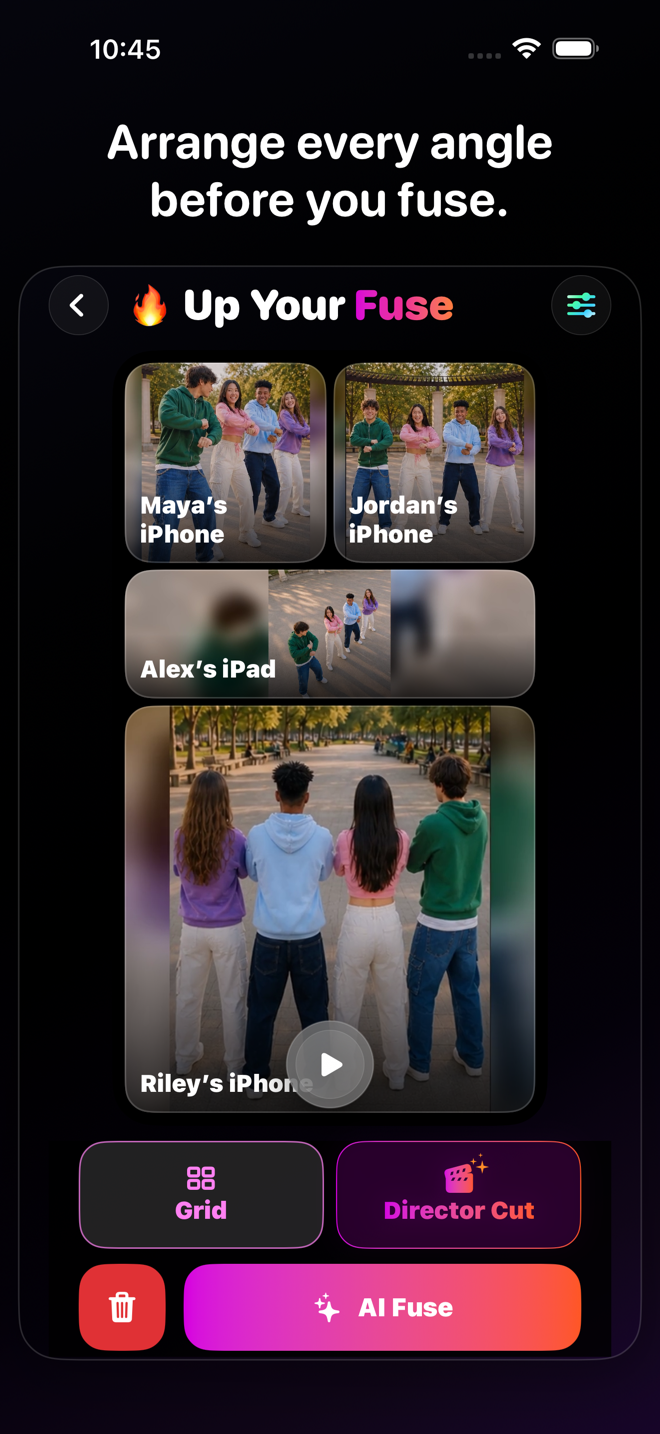
AI Director’s Cut
The multi-camera look, without choosing every cut from scratch.
VidFuse picks where the camera could switch, you watch it back, and anything that misses the moment gets one quick tap to change. AI handles the head start. You keep the taste.

VidFuse for iPhone
More angles. Less editing. Way more fun.
Start free, pull in your friends, and turn one moment into something worth posting. When you want more, take the paid creator tools for a seven-day spin.
Eligible new Enthusiast or Pro subscriptions can try paid creator tools free for 7 days.
Made for real ideas
What could you make with it?
Interviews✦Group conversations✦Performances✦Events✦Sports✦Tutorials✦Creator collaborations✦Reaction content✦Any multi-camera take with too many cuts to do manually✦
From setup to share
AI starts it. You direct the finish.
 01
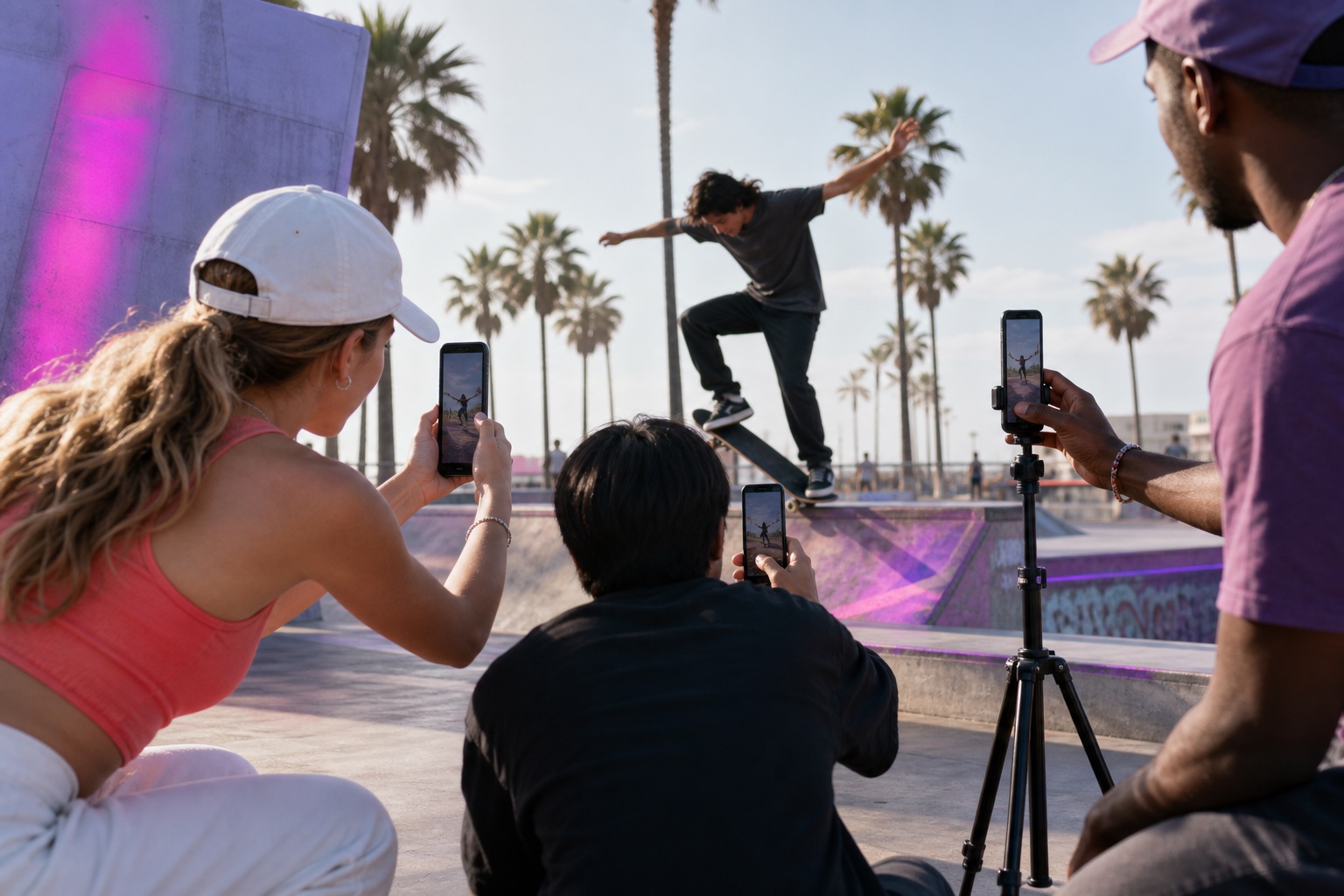
01 Analyze the angles
On-device vision analysis samples synchronized clips and evaluates qualities such as motion, focus, framing, and visual strength.
 02
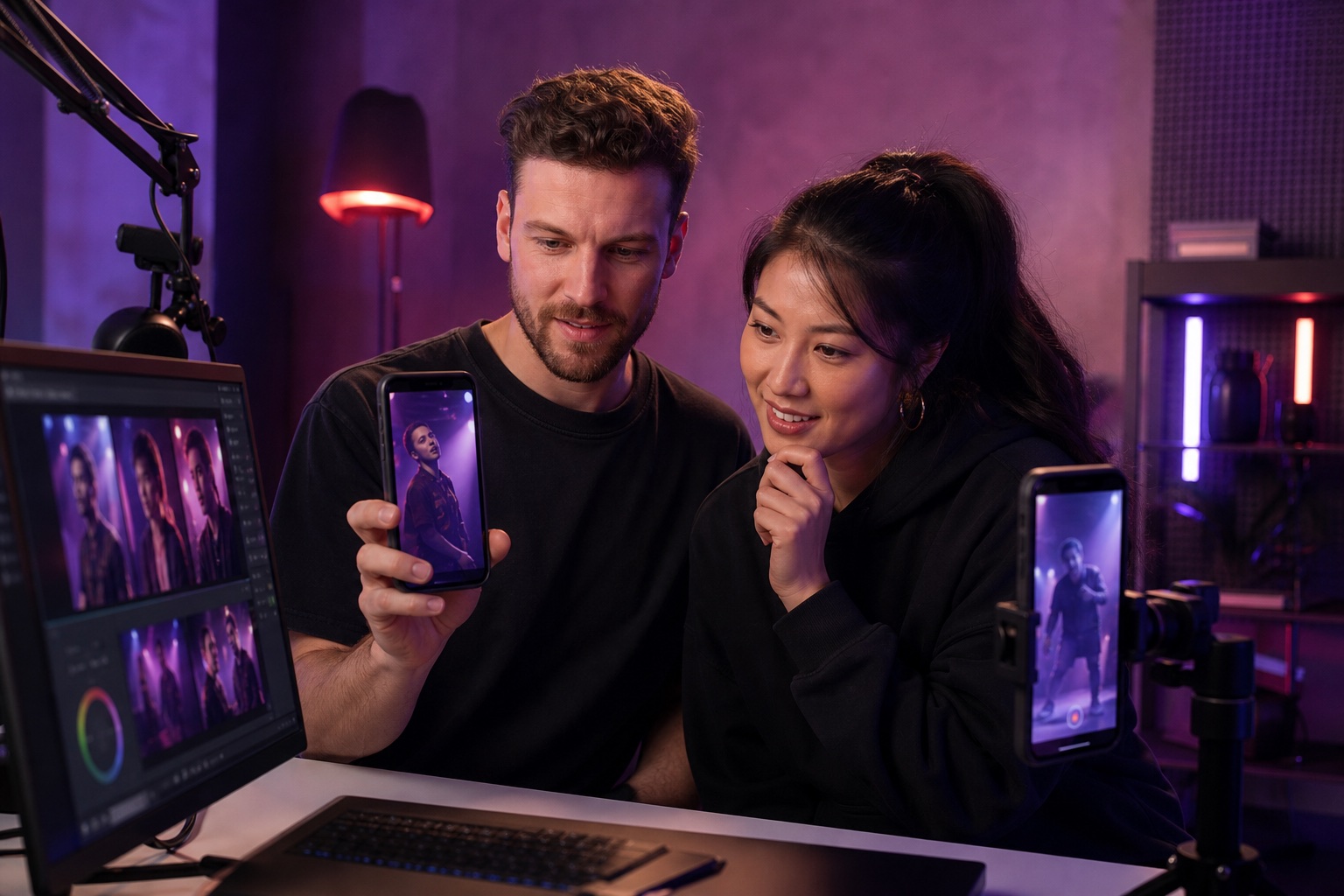
02 Review every scene
Preview the suggested sequence, move through scene blocks, and see which camera the analysis selected.
 03
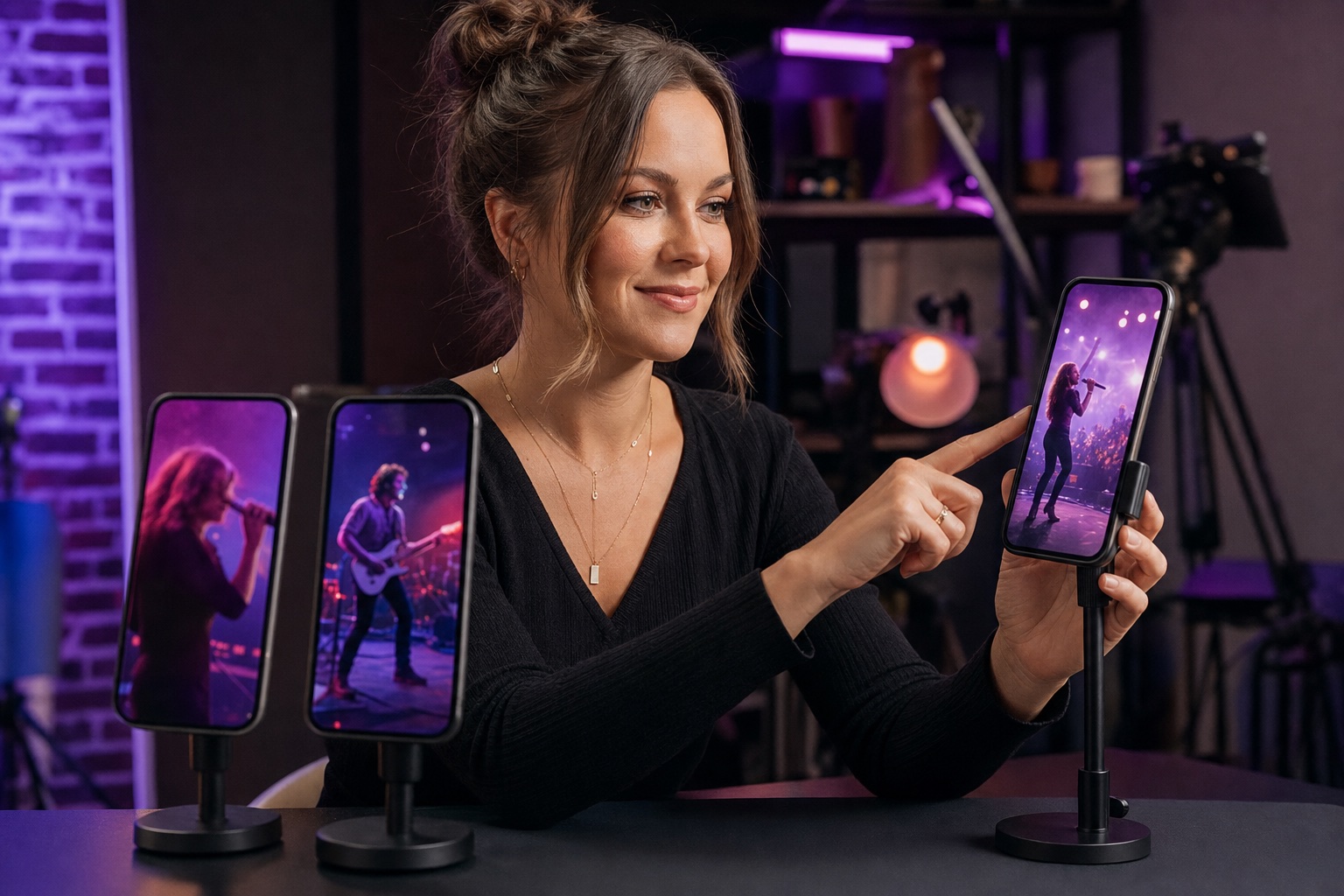
03 Override and export
Choose a different camera for an individual scene, adjust the cut, preview the change, and export the completed result.
Assisted, not automatic truth.
AI suggestions can be imperfect, repetitive, or miss the moment you care about. Review the complete cut before you export or share it.
VIDFUSE
One moment. Way more ways to tell it.
Catch the action, your reaction, and the angle everybody else missed—then pull it together and drop it wherever you post.