Solo Dual-Cam, two-camera Nearby, Remix, 720p exports, and recordings up to 10 minutes—no trial needed.
Play it. Shoot it. Remix it.
Start with the clip. Then add your side of it.
Choose video or audio you have permission to use, then react, break it down, teach it, perform with it, or lip-sync it while VidFuse keeps your take lined up.
Video or audio referenceTrim and timing controlsSolo or invited crewIncluded on every plan
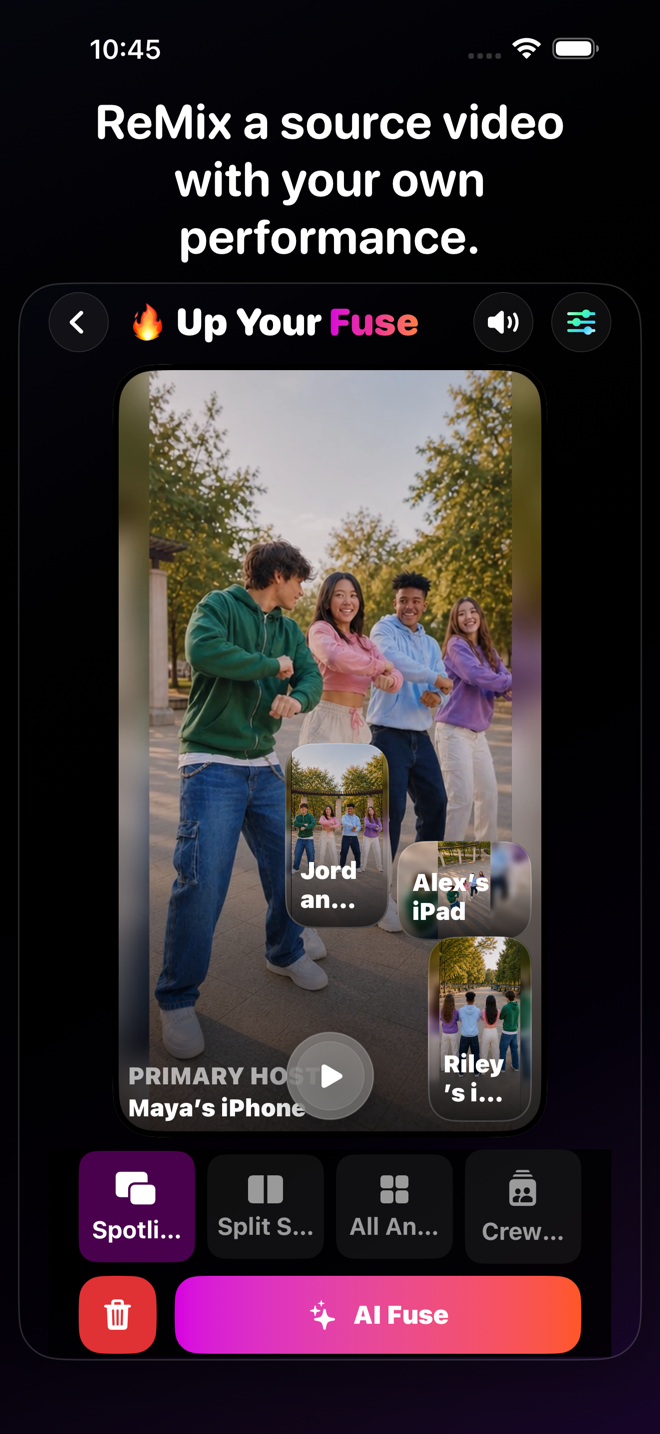
VidFuse Remix
React to it. Play along. Break it down. Make it useful.
Remix keeps your take aligned with the reference, so a great sports moment can become a breakdown, a song can become a performance, and the clip everybody is talking about can finally get your take.

VidFuse for iPhone
More angles. Less editing. Way more fun.
Start free, pull in your friends, and turn one moment into something worth posting. When you want more, take the paid creator tools for a seven-day spin.
Eligible new Enthusiast or Pro subscriptions can try paid creator tools free for 7 days.
Made for real ideas
What could you make with it?
Reaction videos✦Sports breakdowns✦Dance practice✦Music performance✦Commentary✦Coaching✦Tutorials✦Duets✦Educational explainers✦Technique reviews✦Performance comparisons✦Reference-audio practice✦
From setup to share
From reference to response
 01
01 Choose and trim
Select video or audio you are allowed to use, then choose the part you want to play against.
 02
02 Confirm and prepare
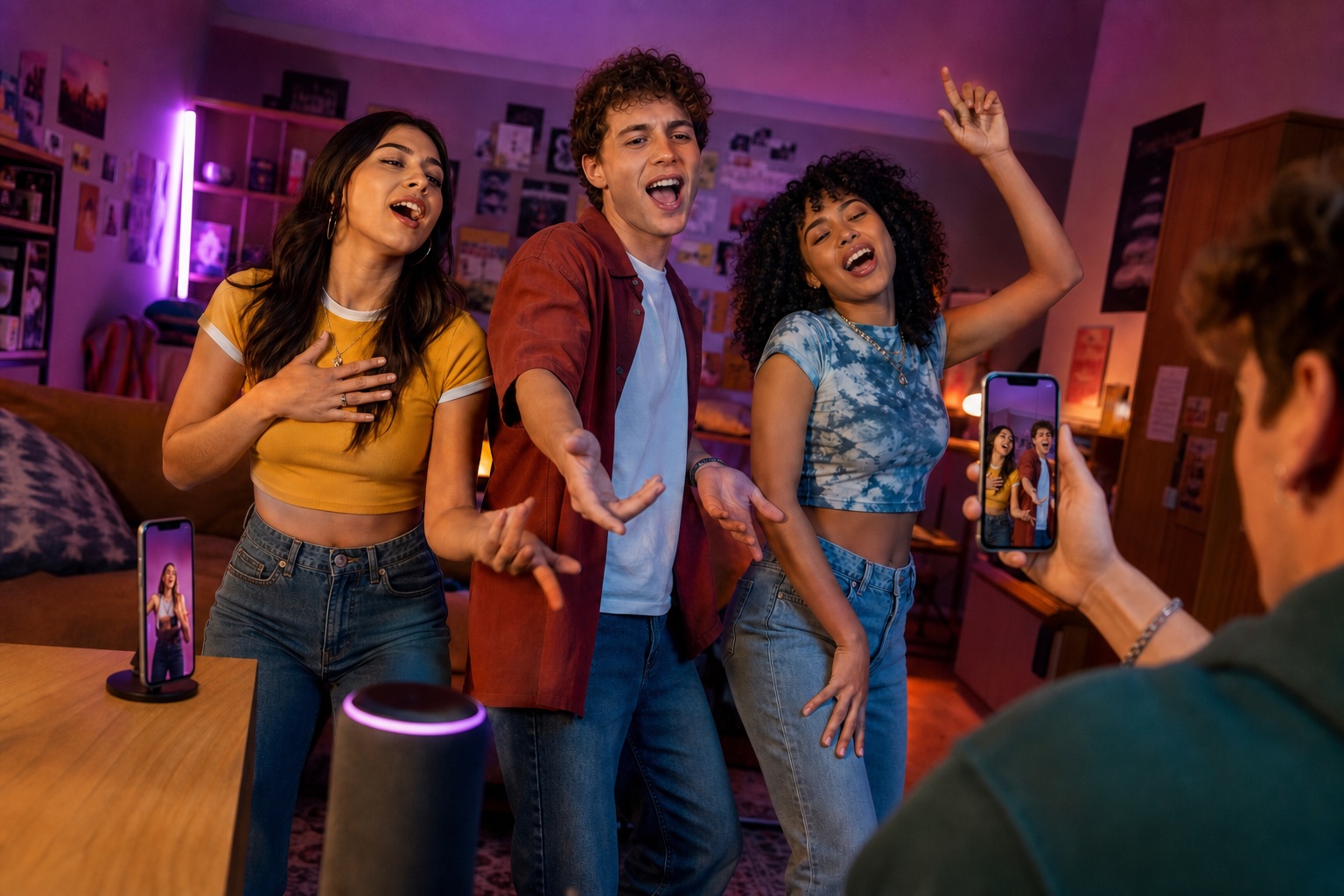
VidFuse asks you to confirm your rights before it creates a protected session copy. Invited participants receive only what the session needs.
 03
03 Play, capture, shape
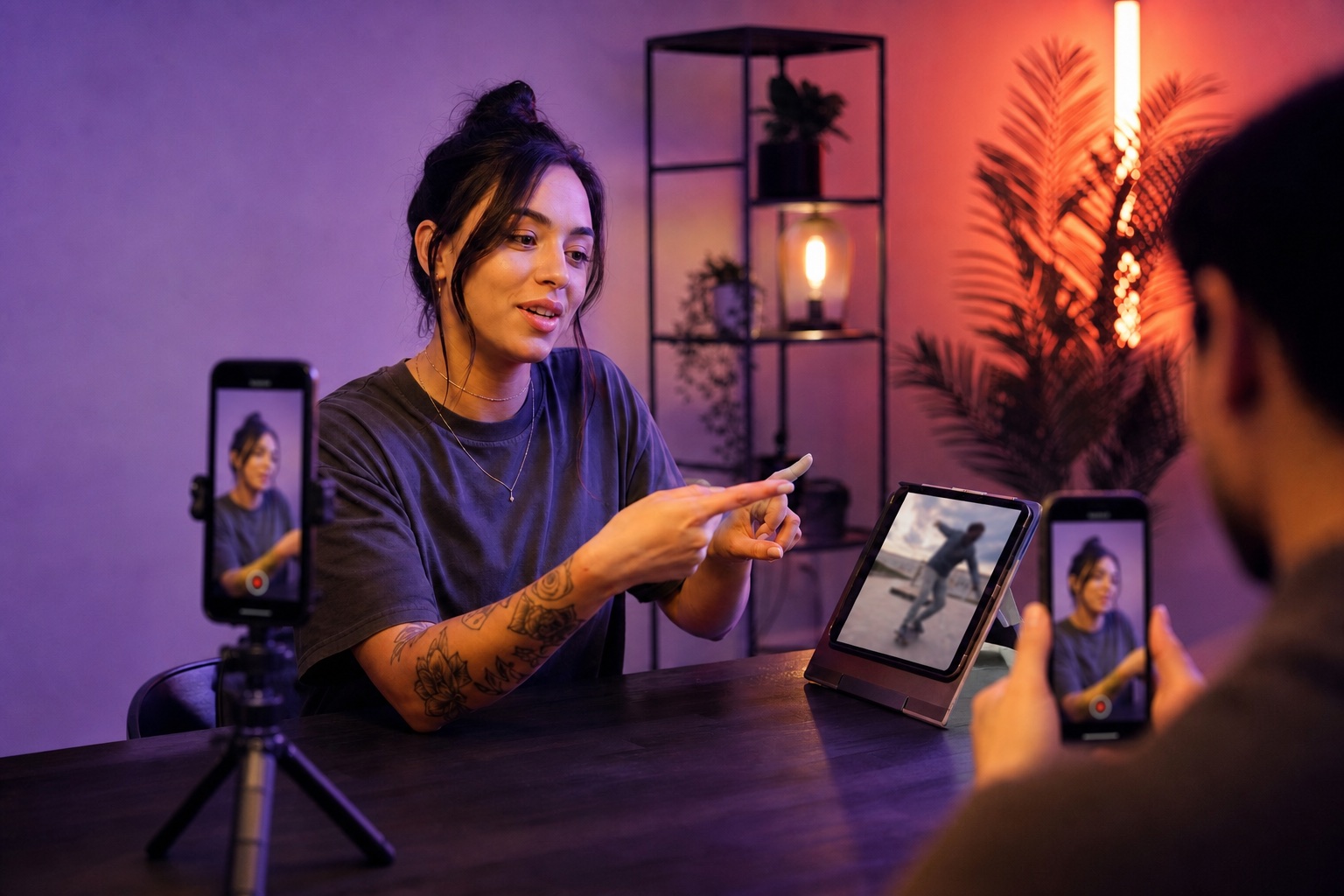
Use synchronized playback and timing controls, capture the response, then choose source-focused layouts, audio mix options, Text & Vibes, and export.
Bring the idea. Bring the rights.
You are responsible for having permission to use, share, record against, and publish copyrighted video or audio. A VidFuse invitation does not grant rights to the reference.
VIDFUSE
One moment. Way more ways to tell it.
Catch the action, your reaction, and the angle everybody else missed—then pull it together and drop it wherever you post.